Optimize your system - HyperTweak

Peak Performance Unlocked

Optimize your system, boost speed, and enhance privacy with a fast, lightweight open-source tool.
Download .exe Download Portable
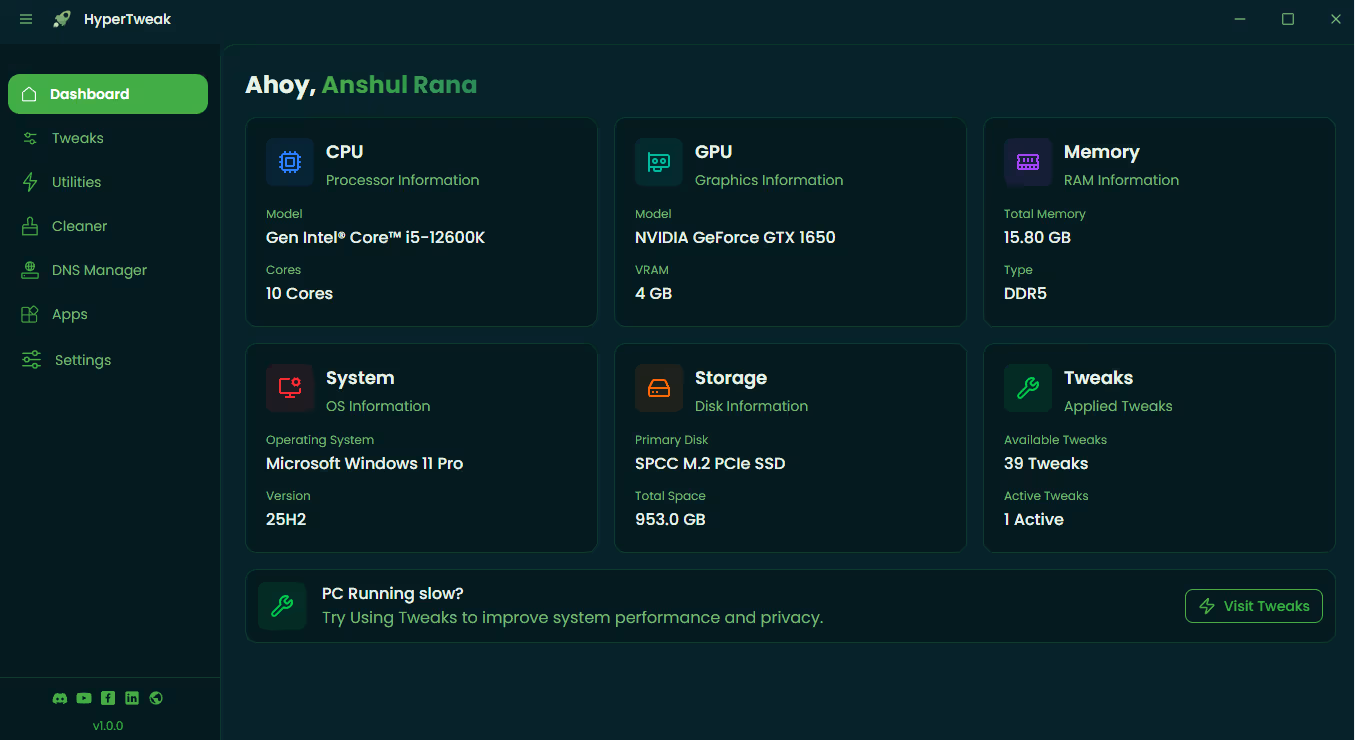
HyperTweak Dashboard Preview 1 HyperTweak Dashboard Preview 2 HyperTweak Dashboard Preview 3 HyperTweak Dashboard Preview 4 HyperTweak Dashboard Preview 5
Capabilities

Engineered for Maximum Efficiency

HyperTweak provides a comprehensive suite of optimization tools designed to streamline your workflow and unlock your hardware's full potential.

Ultimate Debloater

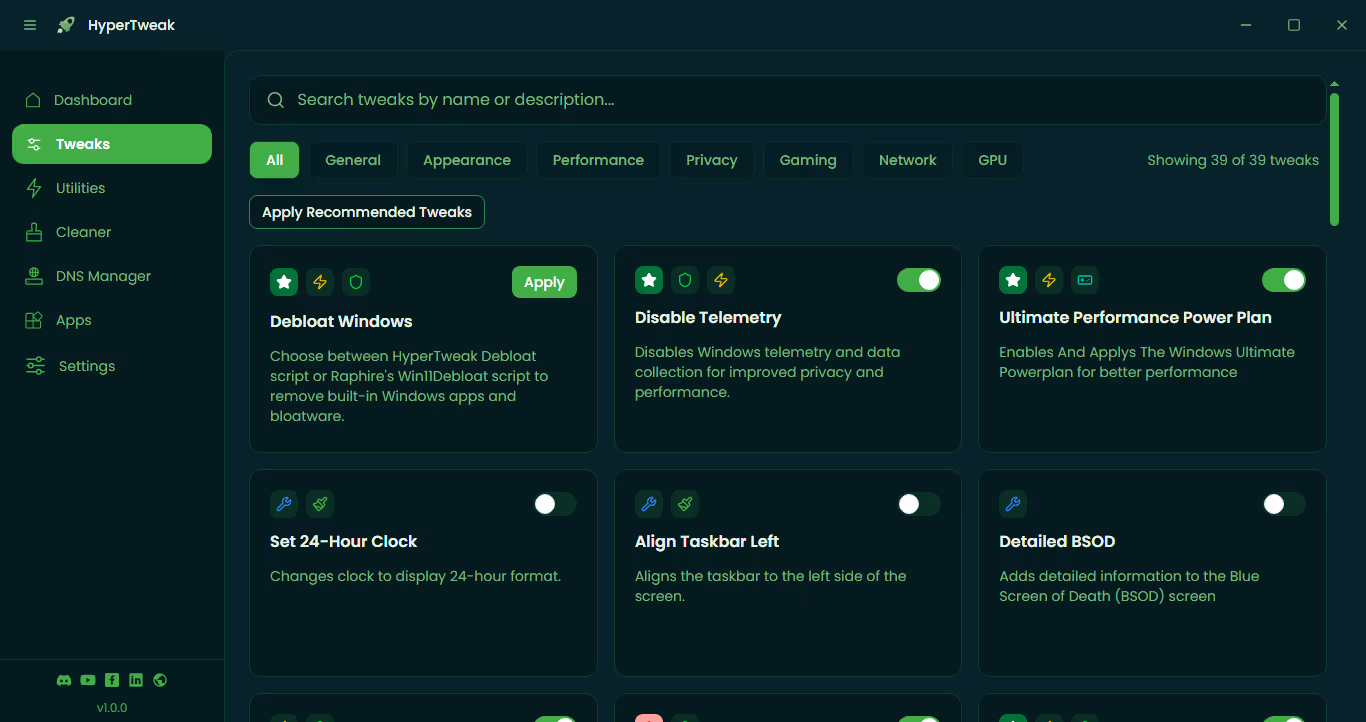
Safely remove pre-installed Windows junk, telemetry, and background services that slow down your system.

Turbo Gaming Mode

Minimize input lag and maximize FPS by prioritizing system resources for your games and creative apps.

Privacy Guard

Instantly disable data tracking, advertising IDs, and intrusive diagnostics to keep your personal data private.

Smart DNS Manager

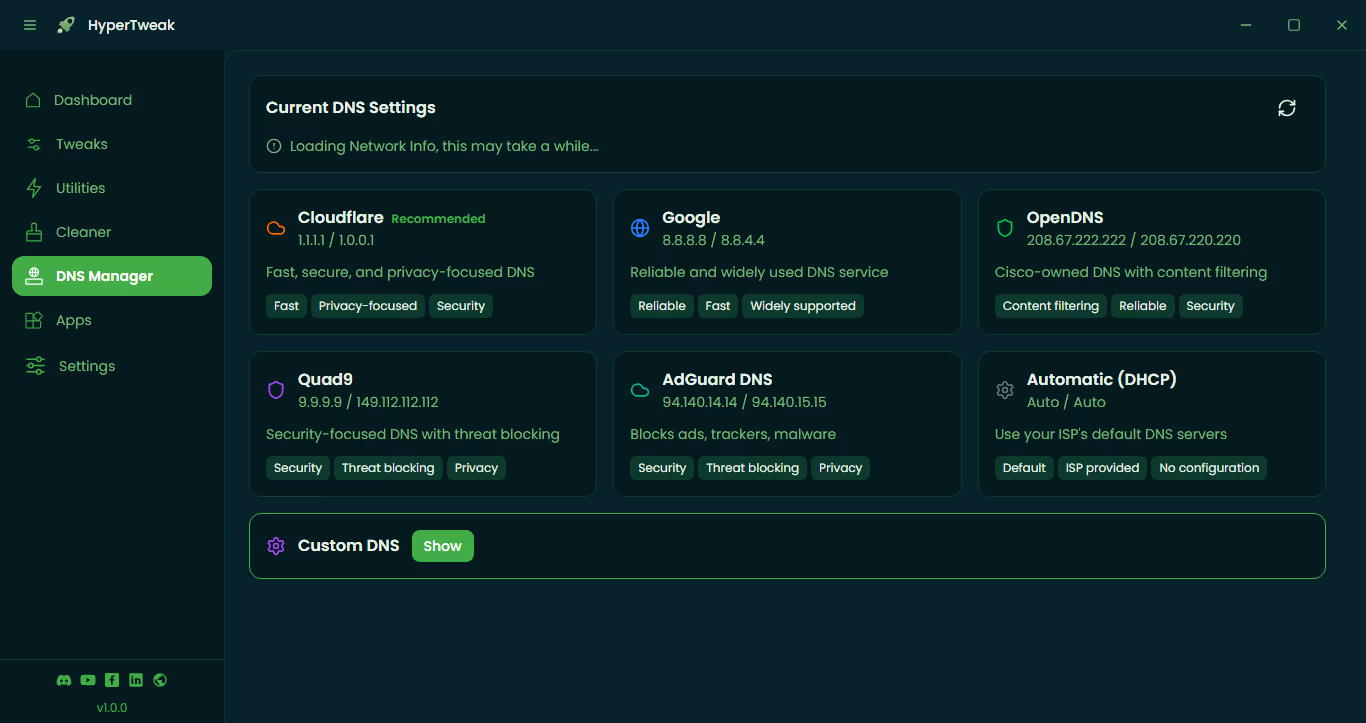
Switch between the world's fastest and most secure DNS providers with a single click for faster browsing.

Resource Optimizer

Real-time monitoring and management of CPU and RAM spikes to ensure consistent performance under load.

Registry Cleaner

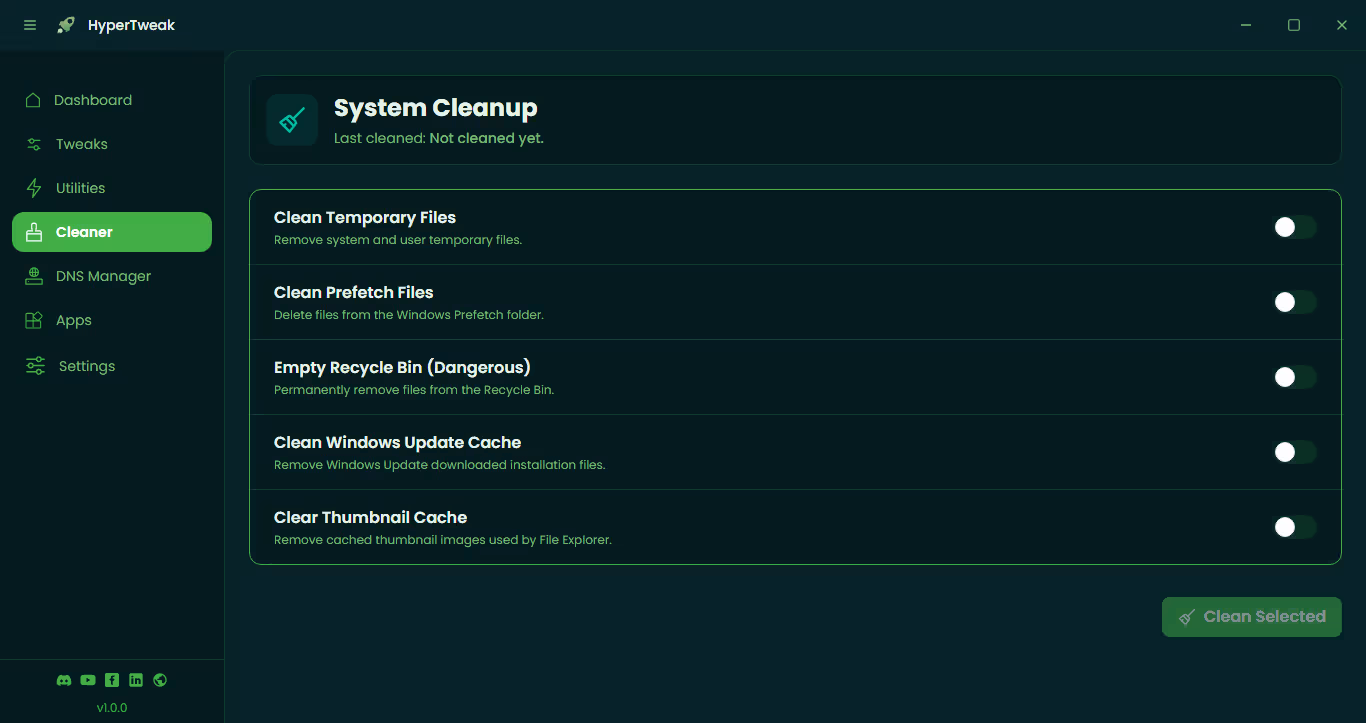
Advanced deep-cleaning of redundant registry entries and invalid shortcuts to prevent system errors.

Home

Frequently Asked Questions

Everything you need to know about HyperTweak and how it helps optimize your Windows experience.

Is HyperTweak safe for my system?
Absolutely. HyperTweak uses standard Windows optimization scripts and documented registry tweaks. We always recommend creating a System Restore point (which HyperTweak can do for you) before applying major system changes.
Which versions of Windows are supported?
HyperTweak is fully compatible with Windows 10 and Windows 11 (Home, Pro, and Enterprise editions). We constantly update the tool to support the latest Windows feature updates.
Can I undo the changes made by the tool?
Yes. HyperTweak includes a "Default Restore" option for most tweaks. Additionally, since it leverages Windows' built-in system protection, you can always use a System Restore point to roll back your PC to its exact state before using the tool.
Why does HyperTweak ask for Admin permissions?
To optimize your PC, HyperTweak needs to modify system-level settings, disable unnecessary services, and clean system junk. These actions require Administrator privileges to execute successfully.
Does it work without an internet connection?
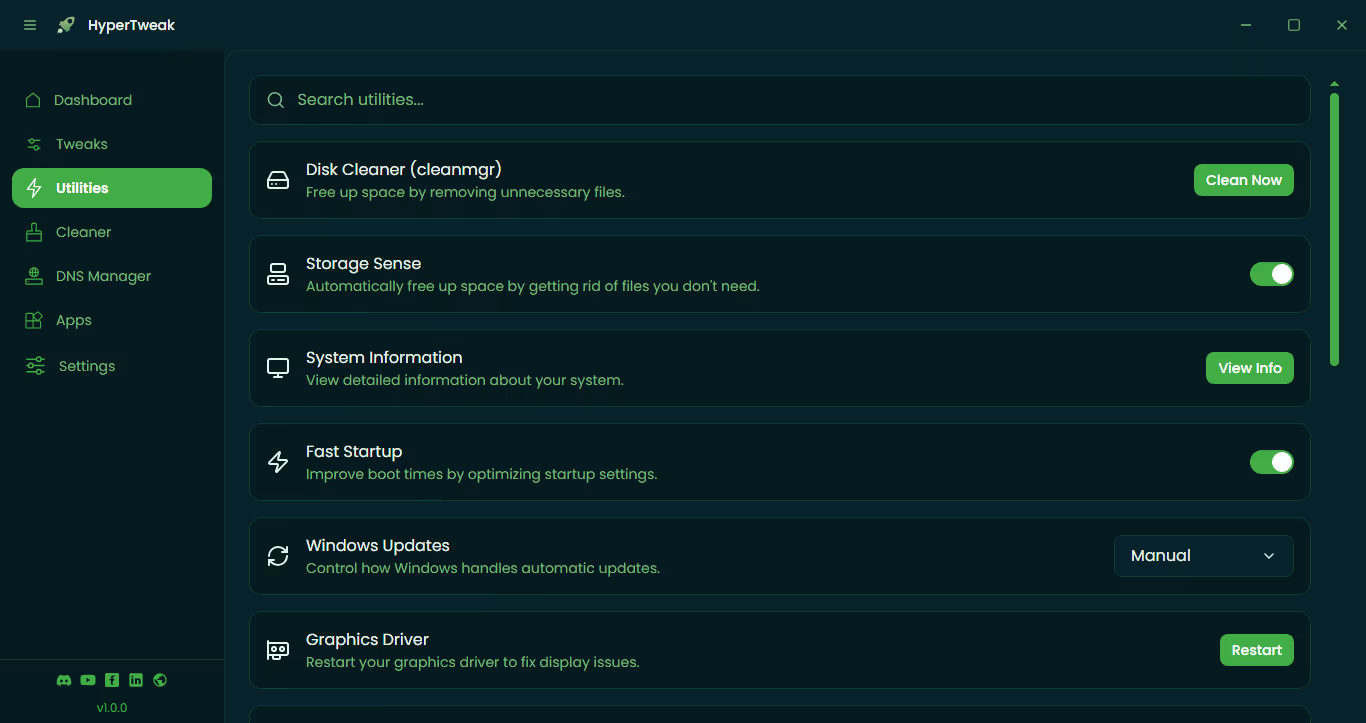
Yes, once downloaded, all the core optimization features work entirely offline. Internet access is only required if you choose to use the Smart DNS Manager or to check for the latest version updates.
Will my game FPS actually increase?
While results vary by hardware, most users see a noticeable improvement in FPS stability and lower input lag. This is achieved by reducing CPU interrupts and freeing up RAM from non-essential background bloatware.